

IINA is an online mac video player with modern design and streamlined features,Can watch video,Manage playlists,Process media content or load subtitles for movies and more。IINA mac can load local files or provide video URLs,IINA mac can use all popular media formats。And you can quickly change the interface theme,Adjust default behavior and user interface,Decide whether to load subtitles automatically,Configure new keybindings, etc.。This is a Github open source application,Thanks to the developers for their hard work。
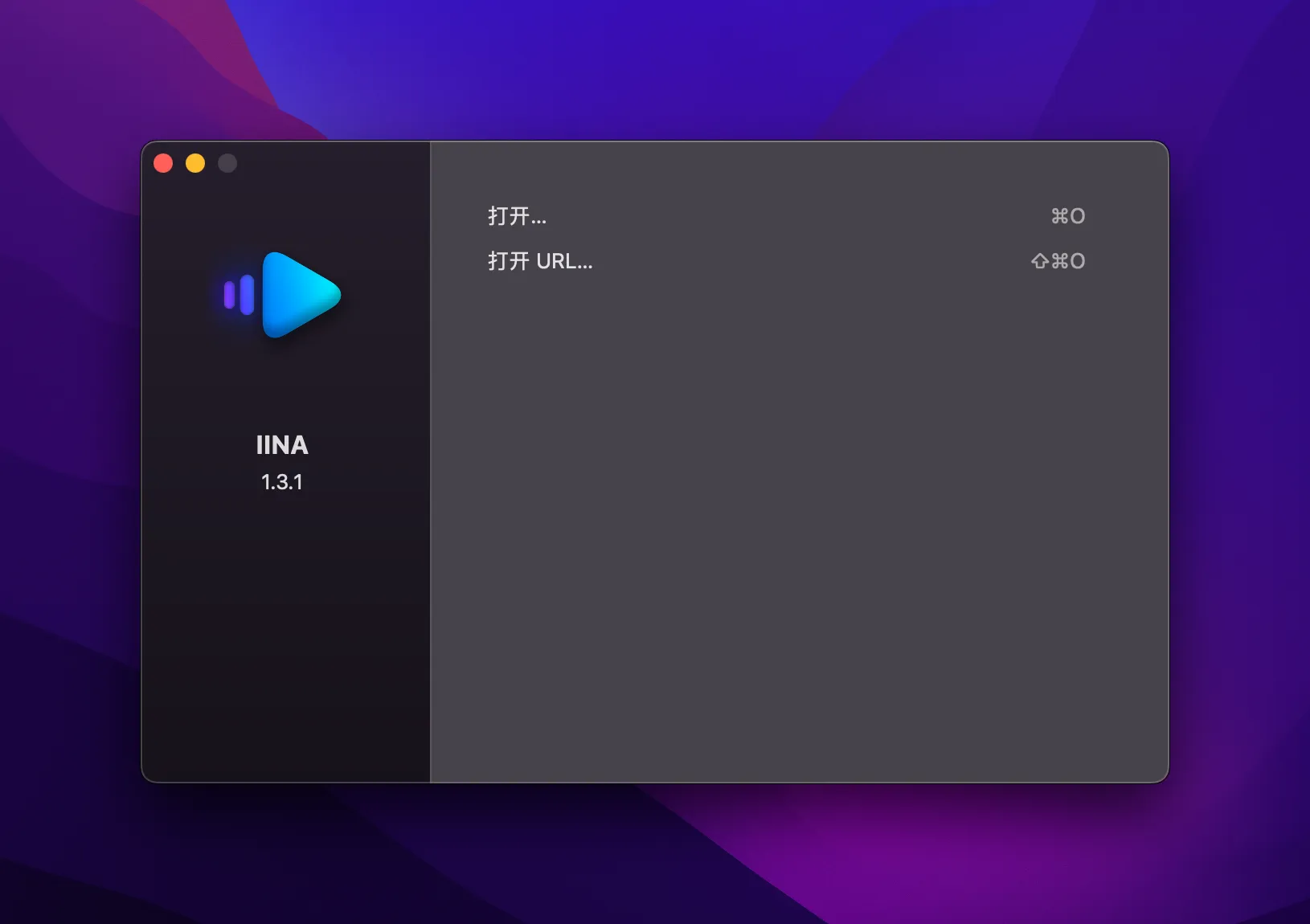
IINA based on mpv,Built for the latest Mac systems,Support Touch Bar、Compatible with MPV scripts、Supports almost all formats、network play,It is a video player with elegant appearance。
IINA supports almost all popular formats,Its functions are not inferior to the old players on Windows.。 IINA uses mpv as its own playback kernel,He inherited extremely powerful decoding ability from his bloodline.,And compared to MPlayerX which also uses mvp,IINA adopts a more efficient model,and render using the original screen resolution,With faster and more stable decoding effect。And another benefit is,Advanced users who are familiar with and like mpv can directly adjust or load mpv configurations,Achieve advanced customization。
IINA completely modern media player,From media format support/interface UI/encoding/subtitles (default + manual + automatic network download) and flexible and powerful customization and other functions,It’s enough to suit any playback scenario you have。
Before IINA appeared, I used MPlayerX,During playback, the screen may freeze due to encoding and resolution issues.,Huaping problem;But after replacing IINA, the problem was solved comfortably.。
Install IINA 1.3.5 video player detailed instructions
1.Download ready installation package
➡️ Installation package download:First download the IINA 1.3.5.dmg file to your Mac,Usually found in the "Downloads" folder。
➡️ Make sure the file is not damaged,The sizes are almost right (don’t let the lower half break)。
2.Start installation
➡️ Double-click to open the .dmg file,Find your IINA 1.3.5.DMG file,double click on it,A window will pop up,It usually has IINA in it 1.3.5 icon and an Applications folder icon。
➡️ Put IINA 1.3.5 Drag the icon into Applications,Put the IINA on the left 1.3.5 icon (or other display IINA 1.3.5 icon),Use mouse directlyDrag and drop to the “Applications” folder icon on the right,Just like putting a file into a folder。👉 This step is equivalent to installing the software into your computer。
(If a pop-up prompt says "Unable to verify developer",Don't panic,Continue reading below)
➡️ Handling "Cannot verify developer" prompt (common situation)macOS may pop up a window saying that this app is not from the App Store,not safe,Asking if you want to open it。You can do this:
FirstHold down the Control key,Then click on that IINA 1.3.5 icon,Select"Open";
Or go[System Settings]→[Privacy and Security]→[Security]There,You will see a prompt saying that an app is blocked,Click"Still open" That’s OK。
➡️ Wait for copy to complete,After dragging it over,The system will automatically copy the software to your application folder,Just wait until the progress bar runs out or the prompt is complete.。
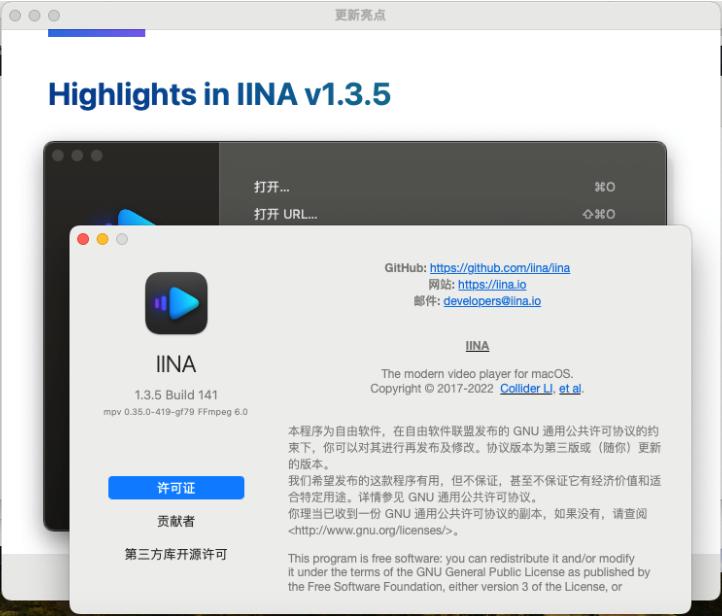
3.IINA 1.3.5 does not require activation and registration,Use it directly after installation。
Most of the download resources on this site are collected from the Internet,Only for learning and communication purposes,Copyright belongs to the original author。If you need to use non-free software or services,Please purchase genuine licenses and use them legally。If the content published on this site infringes upon your rights,Please contact the webmaster to delete,We will handle it promptly。
If the download address is invalid,You can leave me a message,The editor saw the news,Will update the link as soon as possible! Thanks!


