

QuickRecorder is a versatile、Lightweight and high-performance open source macOS screen recording tool。It focuses on screen recording,Provide sophisticated but not excessive functionality,Just to give you the best experience。Based on ScreenCapture Kit interface,QuickRecorder supports multiple recording modes,including screen、application、window etc.。It can also perfectly record system sounds without driver.,No need to rely on third-party drivers (the driver-free audio internal recording function is only available for macOS 13 and above systems)。QuickRecorder fully supports the "speaker front" feature set,You can enjoy system-level real-time camera keying overlay and special effects processing (this feature is only available for macOS 14.2 and above systems)。Behind every small function, there are ingenious thoughts specially considered for you.,Everything is designed to make screen recording easier。please note,This tool only supports macOS 12.3 and above systems。
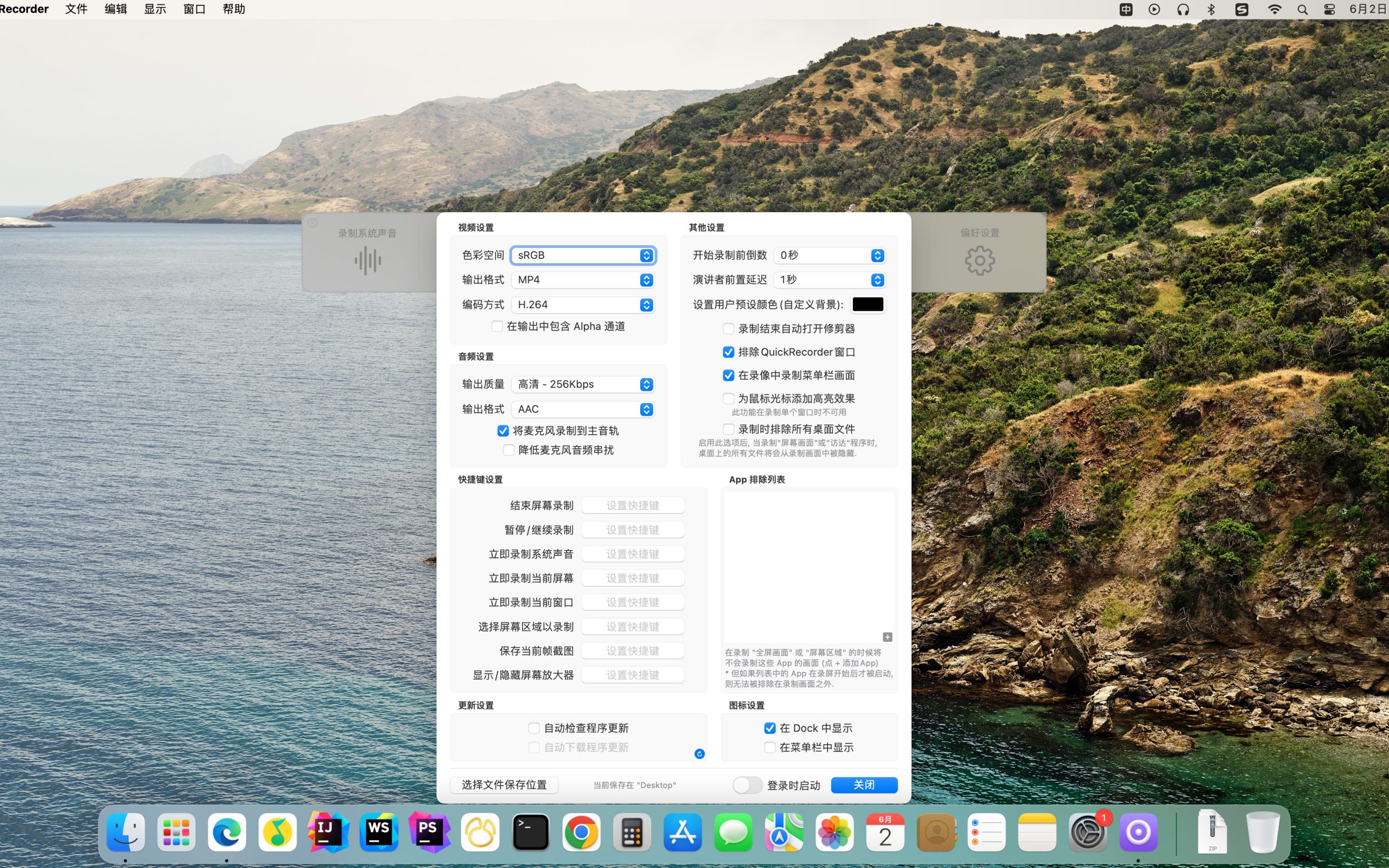
feature
Focus on recording the screen
QuickRecorder is inherently simple and pure, Concentrate on screen recording. Expensive functions but not too expensive, Only give you the best
Record whatever you want
Based on the powerful functions provided by the ScreenCapture Kit interface, QuickRecorder supports multiple recording modes such as screen/application/window etc.
Sound and picture grasped with both hands
Enjoy the perfect driver-free internal recording system sound, Say goodbye to third-party drivers. (The driver-free audio internal recording function only supports macOS 13 and above systems)
The focus of the audience, Appear on camera at any time
QuickRecorder is now fully supported [speaker front] feature set, Enjoy system-level real-time camera keying overlay and special effects processing. (Speaker front-facing feature only supports macOS 14.2 and above systems)
See the details in detail
Behind every small function, there is an ingenuity specially considered for you., Everything is just to make screen recording easier
安装QuickRecorder 1.4.4视频播放器 详细说明
1.Download ready installation package
➡️ Installation package download:先把 QuickRecorder 1.4.4.dmg 文件下载到你的 Mac 上,Usually found in the "Downloads" folder。
➡️ Make sure the file is not damaged,The sizes are almost right (don’t let the lower half break)。
2.Start installation
➡️ Double-click to open the .dmg file,找到你的 QuickRecorder 1.4.4.DMG文件,double click on it,A window will pop up,里面通常有 QuickRecorder 的图标和一个“Applications”(应用程序)的文件夹图标。
➡️ 把 QuickRecorder 图标拖到 Applications 里,把左边的 QuickRecorder 1.4.4 图标(或者其他显示 QuickRecorder 1.4.4 icon),Use mouse directlyDrag and drop to the “Applications” folder icon on the right,Just like putting a file into a folder。👉 This step is equivalent to installing the software into your computer。
(If a pop-up prompt says "Unable to verify developer",Don't panic,Continue reading below)
➡️ Handling "Cannot verify developer" prompt (common situation)macOS may pop up a window saying that this app is not from the App Store,not safe,Asking if you want to open it。You can do this:
FirstHold down the Control key,然后点击那个 QuickRecorder 1.4.4 icon,Select"Open";
Or go[System Settings]→[Privacy and Security]→[Security]There,You will see a prompt saying that an app is blocked,Click"Still open" That’s OK。
➡️ Wait for copy to complete,After dragging it over,The system will automatically copy the software to your application folder,Just wait until the progress bar runs out or the prompt is complete.。
3.QuickRecorder 1.4.4无须激活注册,Use it directly after installation。

Most of the download resources on this site are collected from the Internet,Only for learning and communication purposes,Copyright belongs to the original author。If you need to use non-free software or services,Please purchase genuine licenses and use them legally。If the content published on this site infringes upon your rights,Please contact the webmaster to delete,We will handle it promptly。
If the download address is invalid,You can leave me a message,The editor saw the news,Will update the link as soon as possible! Thanks!


