
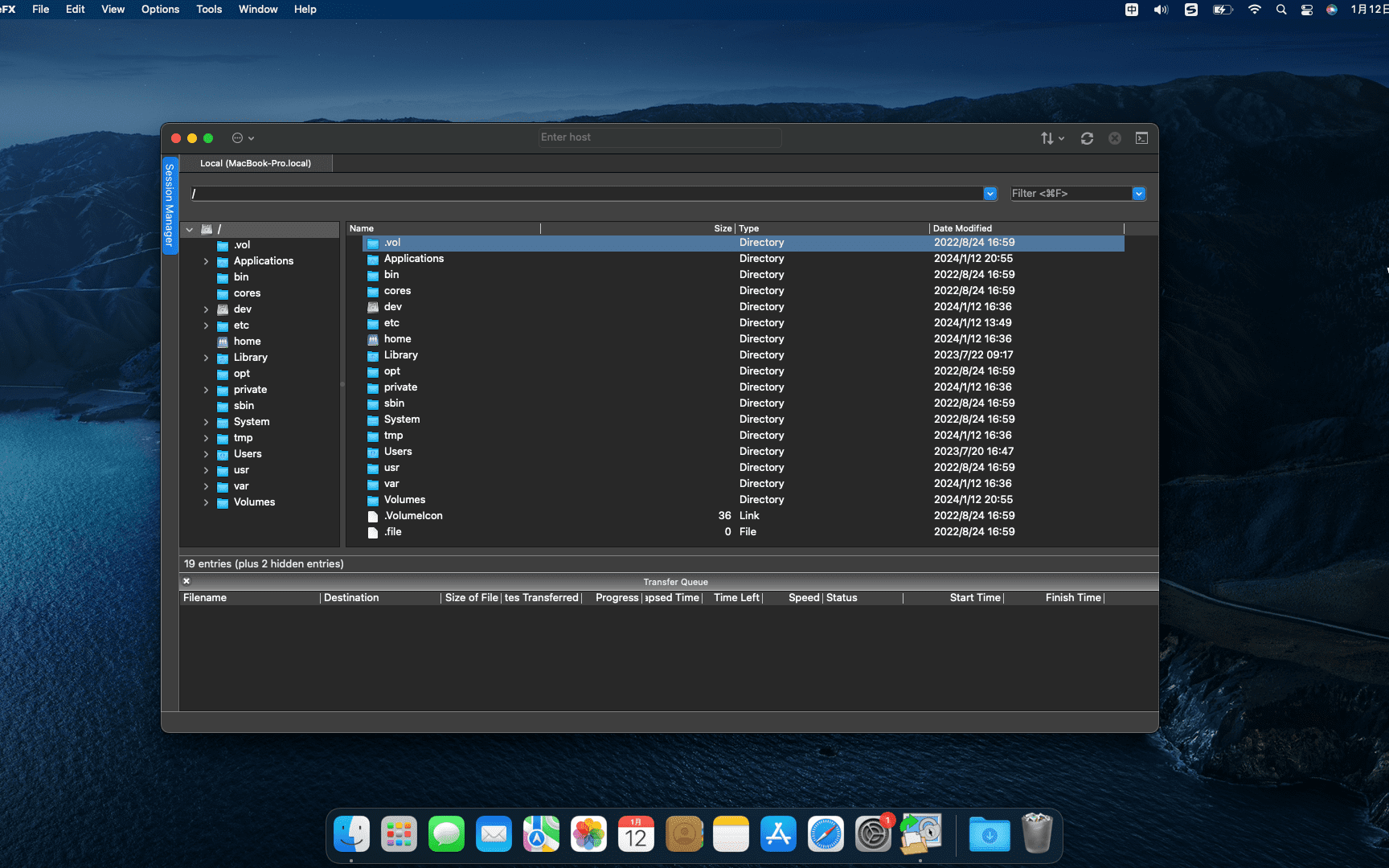
SecureFX 9.1.1 for mac is a software that supports SFTP client,it is easy to use,Has an operation interface similar to Windows Explorer。
SecureFX gives you the tools you need to make your file transfer operations and site synchronization more secure and efficient。SecureFX’s user-friendly interface makes it easy to learn,Support for multiple platforms allows you to apply the Secure Shell protocol’s powerful encryption and authentication mechanisms to your data transfers。
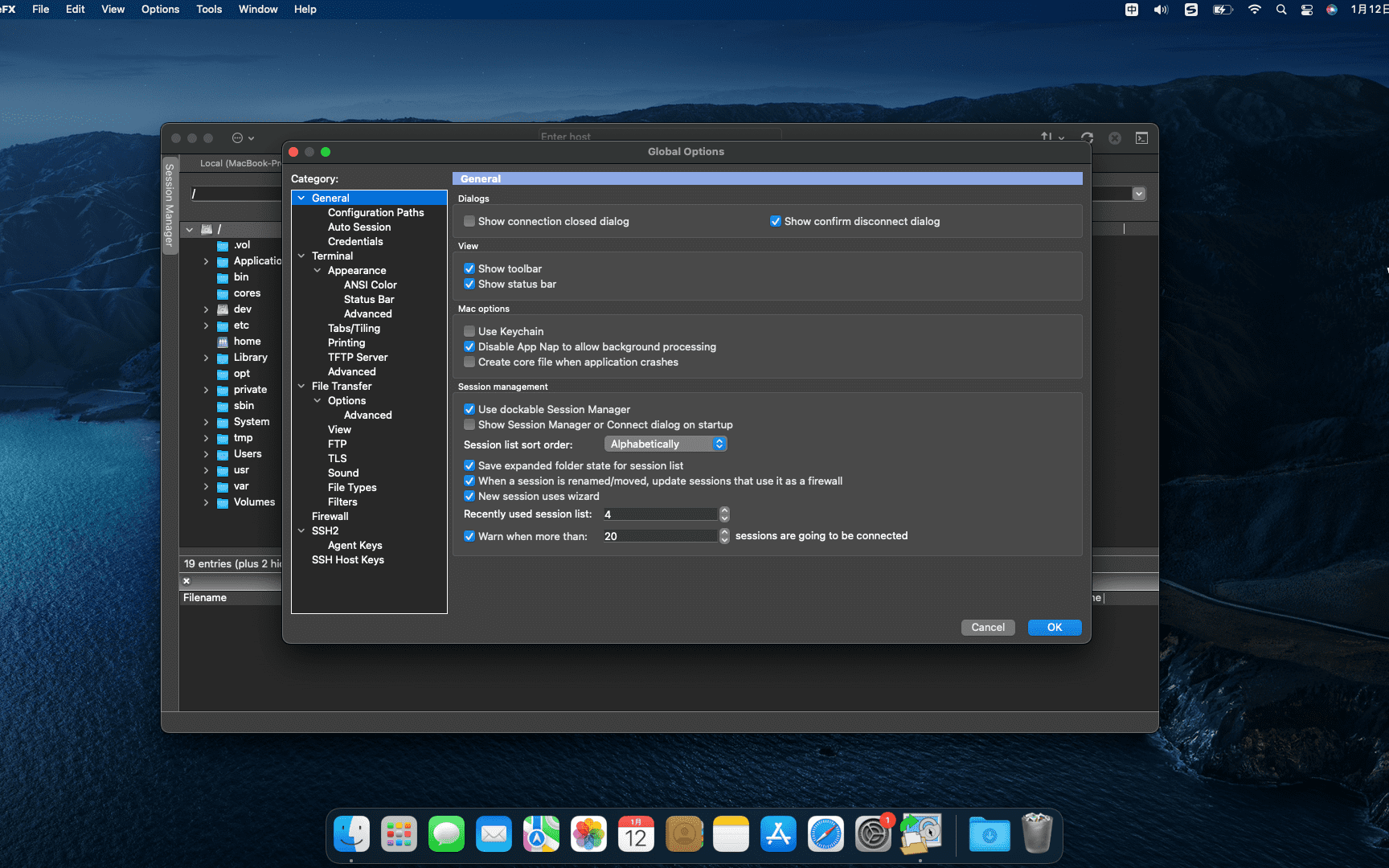
SecureFX 8.7.3 supports three file transfer protocols:FTP、SFTP 和 FTP over SSH2。It can provide secure file transfer。No matter which operating system you are connected to the server,It can provide secure transmission services。
The downloaded compressed package contains DMG files suitable for both ARM and INTEL platforms.。请下载
压缩包后解压根据自己Mac系统选择对应DMG安装。
statement:All articles on this site,If there is no special instructions or markings,All are originally published by this site。any person or organization,Without the consent of this website,Reproduction prohibited、Misappropriate、collection、Publish content from this site to any website、Books and other media platforms。If the content on this site infringes upon the legitimate rights and interests of the original author,You can contact us for processing。

Can free downloads or VIP membership resources be used directly for commercial use?
The copyright of all resources on this site belongs to the original author,The resources provided here are for reference and study purposes only.,Please do not use it directly for commercial use。If copyright disputes arise due to commercial use,All responsibility lies with the user。For more instructions, please refer to VIP introduction。
It prompts that the download is complete but cannot be decompressed or opened?
The most common situation is an incomplete download: You can compare the capacity of the downloaded compressed package with the capacity on the network disk,If it is less than the capacity prompted by the network disk, this is the reason。This is a browser download bug,It is recommended to download using Baidu Netdisk software or Thunder。 If this situation is excluded,You can leave a message at the bottom of the corresponding resource,or contact us。
Can't find the sample image in the material resource introduction article?
For members only、Whole site source code、Program plug-in、website template、Web page templates and other types of materials,The pictures used for introduction in the article are usually not included in the corresponding downloadable material package.。These related commercial images need to be purchased separately,And this site is not responsible for(There is no way)find source。 The same is true for some font files,However, some materials will have a list of font download links in the material package.。
The download address cannot be displayed or the content cannot be viewed after payment?
If you have successfully paid but the website does not pop up a success prompt,Please contact the webmaster to provide payment information for you to process
After purchasing this resource,Can I get a refund?
Source code materials are virtual goods,replicable,Transmissibility,once granted,No refunds of any kind will be accepted、Exchange request。Please confirm before purchasing to obtain the resources you need.
Comments (0)
Note: Please be respectful and civil in your comments Cancel reply
Just got a MacBook not long ago,You may find that your computer’s startup items are messy and disorganized。Some programs are set to start at startup by default after installation.,But the program you want does not start。Next,Let’s take a look at how to add and delete MacBook startup items。 How to set startup items: Open System Preferences and click the Apple logo in the upper left corner,Select "System Preferences"。 Go to Users & Groups Find and click "Users & Groups" in System Preferences。 Select Administrator Account Select your administrator account in the list on the left,Then click the "Login Items" tab on the right。 Manage login items on the Login Items page,You will see a list of programs that have been set to start at startup,and related adjustment buttons。 Delete a startup program To delete a program from startup,Click on the program,Then click the minus sign "-" below。 Add a startup program To add a program to the startup items,Click the plus sign "+" below,Then select the program in "Applications",Click "Add"。 Unlocking and Modifications If certain programs are locked and cannot be removed,Click the unlock button in the lower left corner of the window,Enter your computer password,Then you can follow the steps above。 Go through the above steps,You can easily manage MacBook startup items,Make sure only the programs you need start automatically at boot。
Sketch is the most powerful vector drawing design tool for mobile applications,For web and mobile designers,N times easier to use than PhotoShop! Especially when it comes to mobile app design,The advantage of Sketch is that it is easy to use,low learning curve,And the function is more powerful and easier to use,Support automatic picture cutting,and has mobile design templates,Can greatly save designers time and workload,Great for website design、mobile app design、Icon design etc.。 Sketch supports multiple fills per layer、Borders and shadows;Powerful non-destructive Boolean operations;Smart pixel alignment;And make exporting a breeze with automatic slicing and multi-resolution export。 Vector tools and basic shapes are the foundation;Whether you are designing icons、website、Interface or anything else。Combine these with non-destructive Boolean operations into complex shapes,giving you the freedom to edit them in the future,Then apply advanced layer style options,like multiple shadows、filling、Gradient、noise、mix、Background blur etc.。 certainly,Sketch is not just about making shapes。Imported images can be rotated、Zoom、Crop and mask。Best-in-class text tools let you add beautiful typography to your designs using native font rendering,So you can make sure the text always looks 100% precise! Sketch 3 new features,Symbols allow you to reuse entire content groups in multiple locations within your design。think button、Interface elements such as headers and footers。change once,They update everywhere in your document。 Made for Mac,Sketch supports OS X versions and auto-saves,Let you focus on your work,Instead of hitting CMD+S。Use iCloud to securely sync your work across multiple Mac computers。and make Sketch full screen to maximize your canvas size。 All of these features fit perfectly into Sketch’s single-window interface。everything is there,hide,until you need it。Simple interface with powerful tools。
Bob is a free and open source Mac translation software,Provide word translation、Screenshot translation and manual input translation function。It supports Youdao translation、Baidu Translate and Google Translate three translation engines,Very convenient to use。 before first use,Users need to obtain accessibility permissions and screen recording permissions。 Main functions: •Word translation: After selecting the text, press the shortcut key (default ⌥ + D) can be translated。 •Screenshot translation: Press the shortcut key (default ⌥ + S),Intercept the area that needs to be translated to translate it。 •Enter translation: Press the shortcut key (default ⌥ + A),Enter text and press Enter to translate。 Translation engine comparison: •Baidu Translate and Google Translate can recognize sentences in camel case,如 “WhatAreYouDoing”。 •OCR interface used for screenshot translation: Use Youdao's OCR interface for image recognition,Then call the Google Translate interface to translate。 •Domestic Google Translate: Can be used directly,No need for scientific Internet access。 Bob is a feature-rich and easy-to-use translation tool for Mac,Suitable for users who need fast and accurate translation。
QuickRecorder is a versatile、Lightweight and high-performance open source macOS screen recording tool。It focuses on screen recording,Provide sophisticated but not excessive functionality,Just to give you the best experience。Based on ScreenCapture Kit interface,QuickRecorder supports multiple recording modes,including screen、application、window etc.。It can also perfectly record system sounds without driver.,No need to rely on third-party drivers (the driver-free audio internal recording function is only available for macOS 13 and above systems)。QuickRecorder fully supports the "speaker front" feature set,You can enjoy system-level real-time camera keying overlay and special effects processing (this feature is only available for macOS 14.2 and above systems)。Behind every small function, there are ingenious thoughts specially considered for you.,Everything is designed to make screen recording easier。please note,This tool only supports macOS 12.3 and above systems。 Features Focus on screen recording QuickRecorder is inherently simple and pure, Concentrate on screen recording. Expensive functions but not too expensive, Only the best is given to you. Record whatever you want. Based on the powerful functions provided by the ScreenCapture Kit interface., QuickRecorder supports multiple recording modes such as screen/application/window, etc. You can capture the sound and picture with both hands and enjoy the perfect driver-free internal recording system sound., Say goodbye to third-party drivers. (The driver-free audio internal recording function only supports macOS 13 and above systems) The focus of the audience, Appear at any time QuickRecorder is now fully supported [speaker front] feature set, Enjoy system-level real-time camera keying overlay and special effects processing. (Speaker front-facing feature only supports macOS 14.2 and above systems) It’s all about the details. Behind every small function, there is an ingenuity specially considered for you., Everything is just to make screen recording easier
Comments (0)