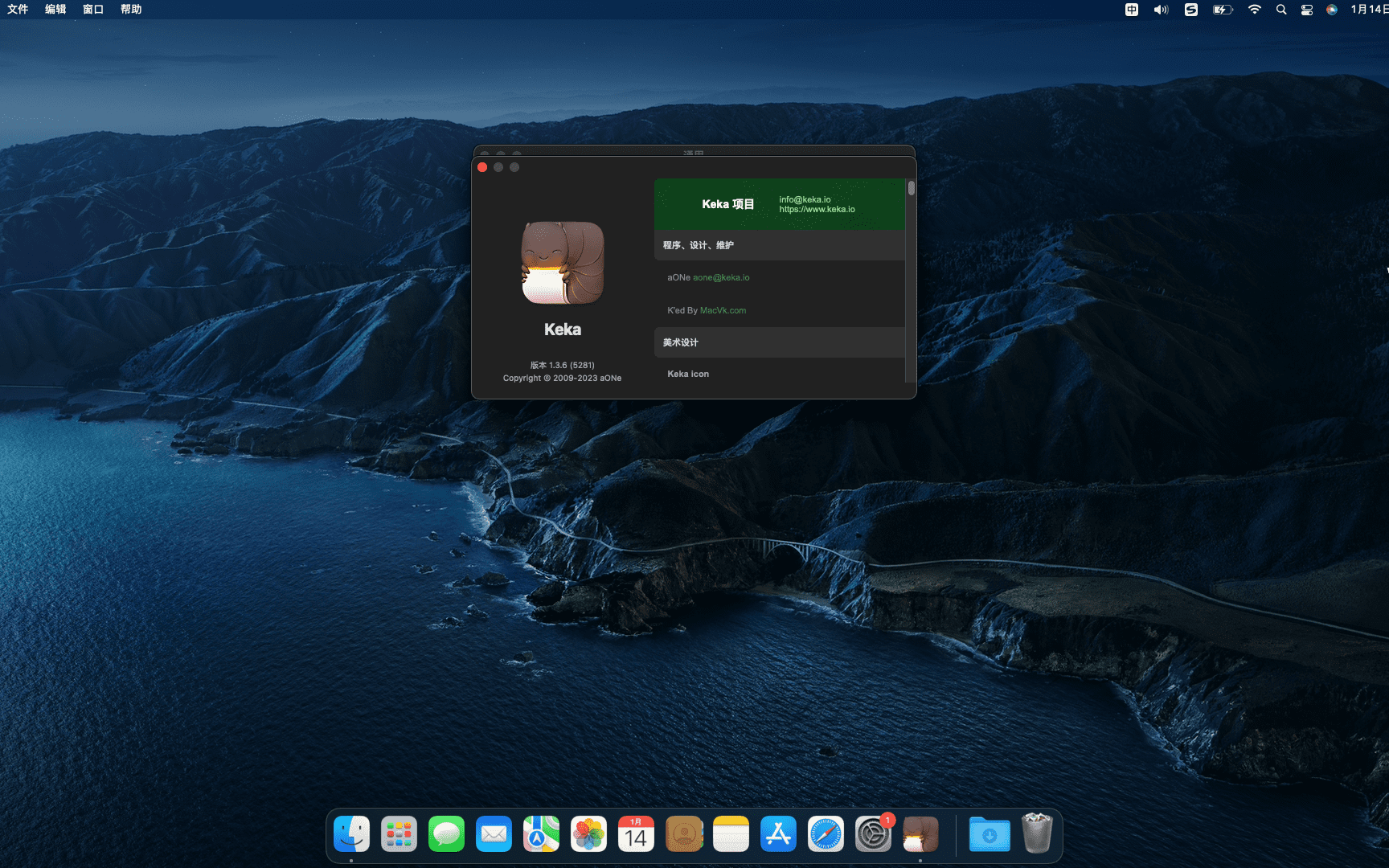
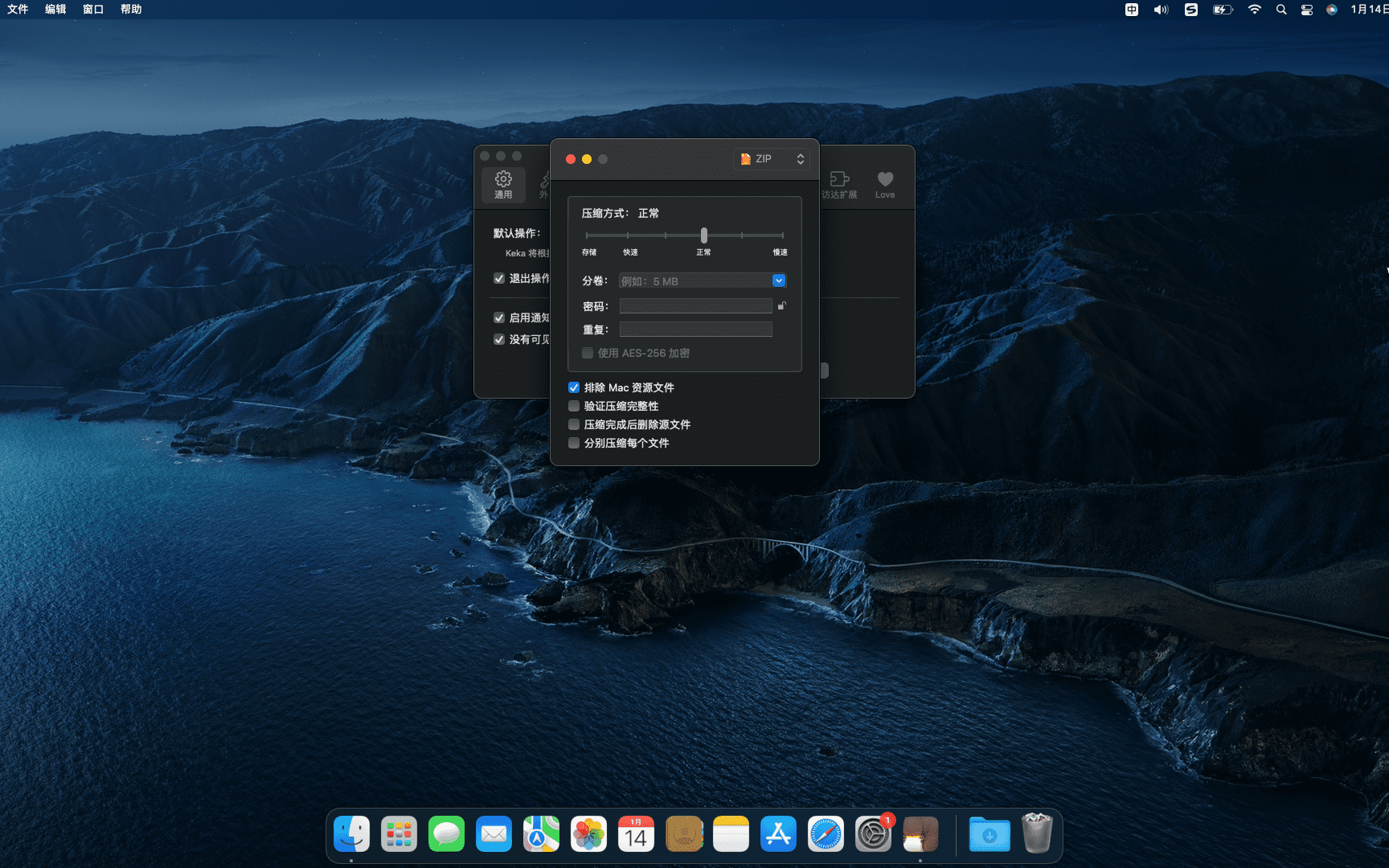
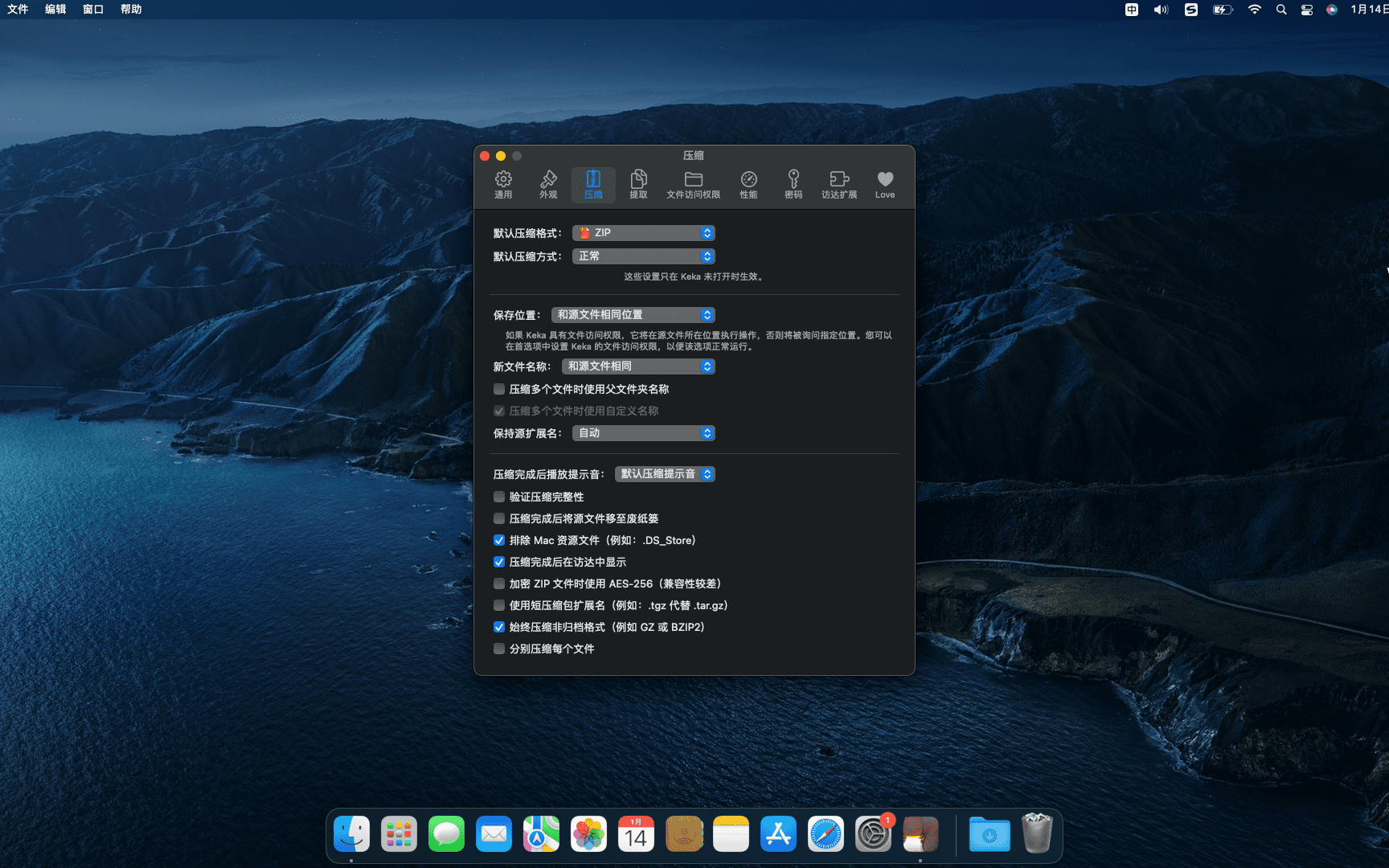
Keka is a free macOS file decompression program,Can meet your daily decompression needs,Small size,Simple and easy to use,faster。The main compression core is p7zip (7-zip port)。
Support compressed formats:7z,Zip,Tar,Gzip,Bzip2,DMG,ISO
statement:All articles on this site,If there is no special instructions or markings,All are originally published by this site。any person or organization,Without the consent of this website,Reproduction prohibited、Misappropriate、collection、Publish content from this site to any website、Books and other media platforms。If the content on this site infringes upon the legitimate rights and interests of the original author,You can contact us for processing。
Can free downloads or VIP membership resources be used directly for commercial use?
The copyright of all resources on this site belongs to the original author,The resources provided here are for reference and study purposes only.,Please do not use it directly for commercial use。If copyright disputes arise due to commercial use,All responsibility lies with the user。For more instructions, please refer to VIP introduction。
It prompts that the download is complete but cannot be decompressed or opened?
The most common situation is an incomplete download: You can compare the capacity of the downloaded compressed package with the capacity on the network disk,If it is less than the capacity prompted by the network disk, this is the reason。This is a browser download bug,It is recommended to download using Baidu Netdisk software or Thunder。 If this situation is excluded,You can leave a message at the bottom of the corresponding resource,or contact us。
Can't find the sample image in the material resource introduction article?
For members only、Whole site source code、Program plug-in、website template、Web page templates and other types of materials,The pictures used for introduction in the article are usually not included in the corresponding downloadable material package.。These related commercial images need to be purchased separately,And this site is not responsible for(There is no way)find source。 The same is true for some font files,However, some materials will have a list of font download links in the material package.。
The download address cannot be displayed or the content cannot be viewed after payment?
If you have successfully paid but the website does not pop up a success prompt,Please contact the webmaster to provide payment information for you to process
After purchasing this resource,Can I get a refund?
Source code materials are virtual goods,replicable,Transmissibility,once granted,No refunds of any kind will be accepted、Exchange request。Please confirm before purchasing to obtain the resources you need.
Comments (0)
Note: Please be respectful and civil in your comments Cancel reply
Sketch is the most powerful vector drawing design tool for mobile applications,For web and mobile designers,N times easier to use than PhotoShop! Especially when it comes to mobile app design,The advantage of Sketch is that it is easy to use,low learning curve,And the function is more powerful and easier to use,Support automatic picture cutting,and has mobile design templates,Can greatly save designers time and workload,Great for website design、mobile app design、Icon design etc.。 Sketch supports multiple fills per layer、Borders and shadows;Powerful non-destructive Boolean operations;Smart pixel alignment;And make exporting a breeze with automatic slicing and multi-resolution export。 Vector tools and basic shapes are the foundation;Whether you are designing icons、website、Interface or anything else。Combine these with non-destructive Boolean operations into complex shapes,giving you the freedom to edit them in the future,Then apply advanced layer style options,like multiple shadows、filling、Gradient、noise、mix、Background blur etc.。 certainly,Sketch is not just about making shapes。Imported images can be rotated、Zoom、Crop and mask。Best-in-class text tools let you add beautiful typography to your designs using native font rendering,So you can make sure the text always looks 100% precise! Sketch 3 new features,Symbols allow you to reuse entire content groups in multiple locations within your design。think button、Interface elements such as headers and footers。change once,They update everywhere in your document。 Made for Mac,Sketch supports OS X versions and auto-saves,Let you focus on your work,Instead of hitting CMD+S。Use iCloud to securely sync your work across multiple Mac computers。and make Sketch full screen to maximize your canvas size。 All of these features fit perfectly into Sketch’s single-window interface。everything is there,hide,until you need it。Simple interface with powerful tools。
iMazing 3 is the ultimate iPhone management software trusted since 2008,Supports Mac and PC platforms,Provides fast transfer including、Seamless backup and recovery、A powerful set of features including efficient media and information management。Users can quickly transfer files from computers to iOS/iPadOS apps through drag-and-drop operations,Achieve faster speeds than file sharing or AirDrop,Also supports scheduled automatic backup,As well as store backups on any local storage device。 iMazing also specially optimizes the management of media files and information,Not only supports copying between music files in various formats,Quickly export and import photos,Save or share important conversations。For business users and legal professionals,iMazing provides services such as configuring and deploying Apple mobile devices、Automatically back up device data、Install and manage applications and other automated and scaled device management solutions。With its user-friendly interface、High security standards and comprehensive management capabilities,iMazing has won the trust and praise of millions of users around the world。 Use iMazing,Users can use simple drag-and-drop operations,Quickly transfer files from computer to iOS/iPadOS apps,Even faster than file sharing or AirDrop。It also allows users to automatically back up their devices on a scheduled basis,Connect via Wi-Fi or USB,Store backups on any local storage device,Includes external hard drives and NAS。 iMazing is also particularly good at managing media files and information.,Supports copying music files between any Apple device and computer,Supports all media types,Includes FLAC format;Quickly export and import photos,Save or share important conversations,Includes iMessage、SMS and WhatsApp messages。
Special reminder: Activation steps: 1、After double-clicking to install Paragon NTFS,Open the Activation Tool and click Step 1。 2、Return to the ParagonNTFS software interface and click Trial。 3、Return to the Activation Tool and click Step 2。 Please follow the steps,there will be no problem,Can be used normally。 Paragon NTFS for Mac cracked version is a powerful ntfs disk reading and writing tool。By default, NTFS partitioned disks cannot be created in macOS.、Delete or modify files,can only read。Paragon NTFS is used to solve the problem of Mac not recognizing Windows NTFS hard drive.。By Paragon NTFS,You can have full read/write access to any partition of NTFS under mac。
Passwords saved in Safari can help you log into websites easily,without having to enter your credentials every time。sometimes,You may want to check、Edit or delete Safari saved passwords。Here are the steps on how to view Safari saved passwords on Mac: View Safari saved passwords 1. Open the Safari browser Launch the Safari browser,Then click on the "Safari" menu in the upper left corner of the screen,Select "Preferences"。 2. Access password settings in the pop-up "Preferences" window,Click on the "Password" option。 3. Enter your computer password. You will be asked to enter your Mac’s administrator password.,to verify your identity。After entering the password,Click "OK"。 4. View saved passwords after successful login,You will see a list of saved passwords。Click on any website entry,You can view the corresponding password。 5.Delete Password If you want to delete a saved password,Select this password entry,Then click the "Remove" button in the lower right corner。 6. Add new password To add a new password entry,Click the "Add" button in the lower right corner,Enter relevant information and save。 Go through the above steps,You can easily view、Remove or add Safari saved passwords。


Comments (0)